

Latest Version
LizardByte
Linux
Free
dev.lizardbyte.app.Sunshine
Report a Problem
More About Sunshine GameStream Host
Imagine wanting to play your high-end PC games on your laptop, tablet, or television in another room, only to be met with sluggish performance, high latency, or vendor lock-in. For Linux gamers, finding a reliable way to stream resource-intensive gameplay across a local network has historically been a challenge. Fortunately, the Sunshine GameStream host for Moonlight solves this frustrating dilemma by transforming your Linux rig into a high-performance cloud gaming server.
What is the Sunshine GameStream Host for Moonlight?
Developed by LizardByte, Sunshine is a self-hosted, low-latency streaming server designed specifically to act as a modern alternative to proprietary game streaming hosts. By utilizing the Sunshine GameStream host for Moonlight, users can stream their desktop and gaming sessions directly to any device running a Moonlight client. This open-source solution ensures you are not tied to a single hardware ecosystem, providing immense flexibility for multi-device households.
Key Features & Hardware Compatibility
- Broad Hardware Encoding Support: Sunshine leverages your hardware for optimal performance, offering native encoding support for AMD, Intel, and Nvidia GPUs.
- Software Encoding Fallback: If hardware acceleration is unavailable, the server can seamlessly fall back to software encoding to keep your stream running.
- Low-Latency Architecture: Built from the ground up to minimize lag, ensuring that fast-paced action games remain highly responsive.
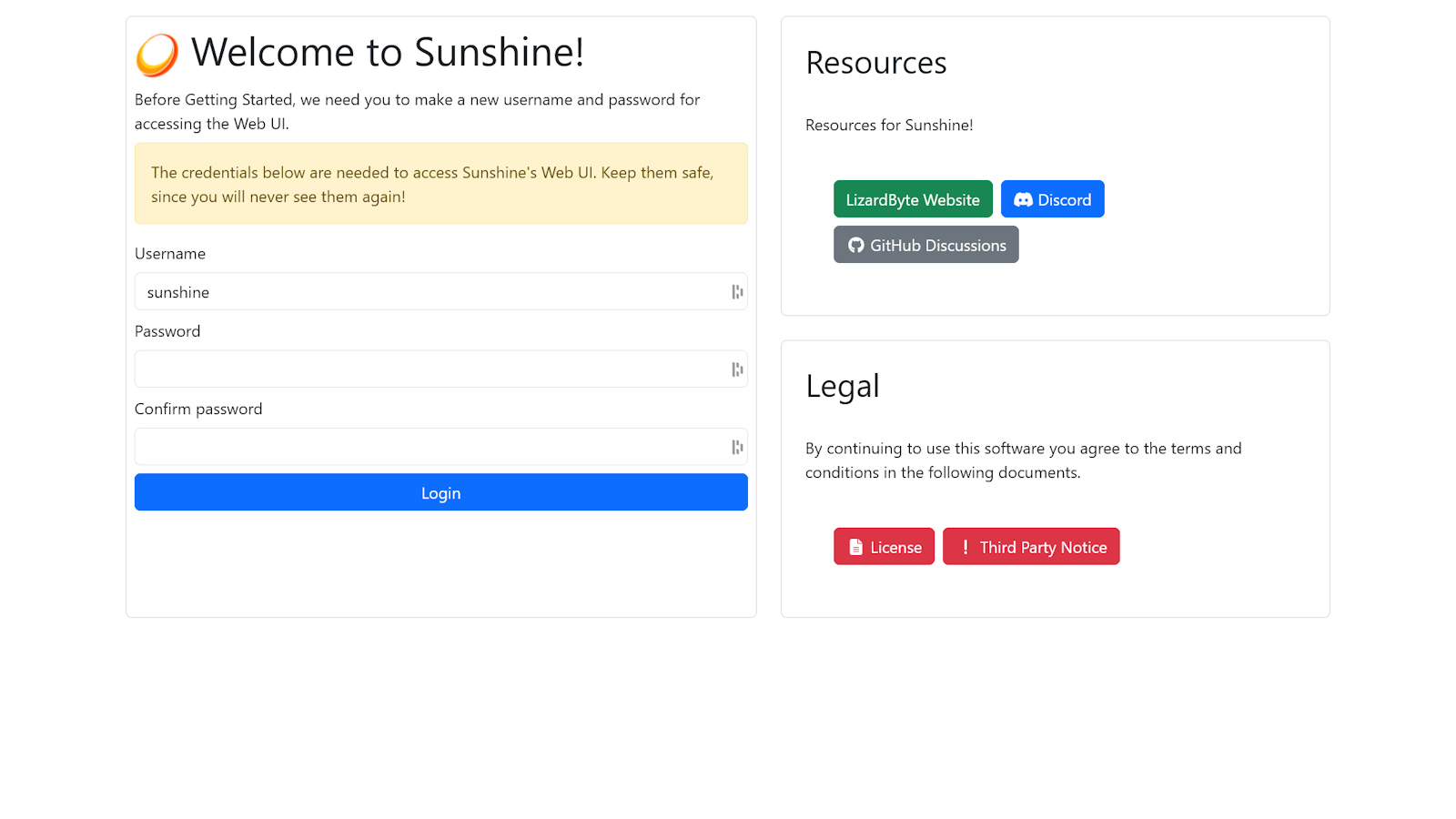
- Web-Based Configuration: Managing your server is highly intuitive thanks to a built-in web UI, allowing you to pair clients and tweak settings from any browser on your local network or mobile device.
Streamlined Configuration and Setup
Getting the Sunshine GameStream host for Moonlight up and running on Linux is straightforward, though it does require a few manual steps. Because it is packaged via Flatpak, users will need to run an additional installation script in their terminal to properly configure system permissions. Additionally, when accessing the web UI for the first time, your browser will flag the connection as insecure due to Sunshine's use of a self-signed SSL certificate. This is standard behavior for local servers and is completely safe to bypass to complete your client pairing.
Is Sunshine Right for You?
If you want to untether yourself from your physical desk without sacrificing the graphical fidelity of your Linux gaming rig, Sunshine is an exceptional tool. It bridges the gap between raw hardware power and mobile convenience, making it a must-have for DIY cloud gaming enthusiasts.
To learn more or to set up this powerful streaming host on your system, visit the official Flathub store page to get started.
Rate the App
User Reviews


Popular Apps










Editor's Choice